



Introduction
MEXC API is a set of programmatic APIs allowing developers to pull market data, place trades, and interact with accounts on the MEXC crypto exchange.
In this blog post, we outline available features from the API, authentication details, major REST and WebSocket endpoints, practical usage limits and best practices, and real-world patterns you can implement in bots or trading applications.
What is MEXC API?
MEXC provides WebSocket and REST APIs for spot and future trades, SDKs, and sample code in popular programming languages. These APIs let your code pull prices, place orders, listen for updates on orders, and manage assets without needing to use the site.
Think of the API as a fast, repeatable way to talk to the exchange – where the site is for people, the API is for programs. That means you can automate everyday actions: run a trading strategy, save historic candles, or send live trades into a dashboard.
MEXC also publishes official docs and changelogs so developers can adjust when endpoints or parameters change. Reviewing the changelog regularly is best practice.
Key Concepts and Terms
- REST API – The request/response interface you use for non-real-time tasks such as querying, ordering, and account calls. REST endpoints use standard HTTP methods like GET and POST.
- WebSocket – A long-running connection pushing market data and user events (fills, updates to orders) in real time. Use WebSocket when you want low-latency updates or to reduce polling.
- API key and signature – Private keys (API key + secret) to validate and sign private requests. Keep your secret safe – treat it as a password.
Want to understand how staking works and why it's popular? See our Staking and Proof-of-Stake Explained.
Authentication and API Keys
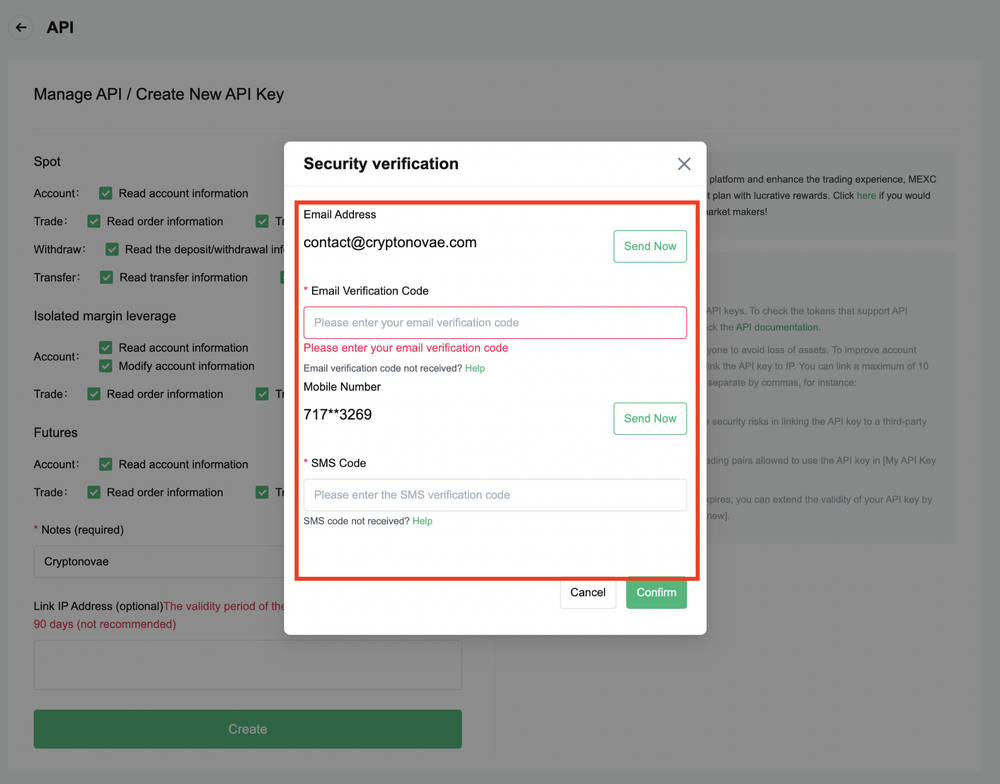
Before using private endpoints, you need to set up authentication. This means creating and protecting your personal API keys, which work as your digital ID when talking to the exchange.
Treat your API key like a bank card PIN: if someone else gets it, they can trade with your money.
You create your API keys in your MEXC personal account. A typical key pair holds both an access key and a secret key; you use them to digitally sign requests for private endpoints.
Most APIs separate public market data (no auth) from private account endpoints (requires auth). Never embed keys in code where people might read them; always place keys in environment variables or a secured vault.
If you are constructing a service swapping for numerous users, you might consider MEXC's broker modes and delegated flows – useful for copy-trade platforms or asset managers.
REST Endpoints and Market Data
REST endpoints are the backbone of most exchange integrations. If you want to request prices, place an order, or get account info without worrying about real-time speed, this is where you start.
MEXC's REST API provides market endpoints: ping/time, exchange information, order book, klines (candles), recent trades, and historical market data.
On the trading front, REST enables placing, canceling, querying orders, and transferring assets between accounts or wallets.
Best practice:
- Create separate tasks for account activity (signed) and market data ingestion (read-only).
- Respect endpoint weights and rate limits. A rate limit is simply the maximum number of requests you can make in a short time (like 20 requests per second). Go above it, and the server will tell you to slow down or even cut your connection.
- Schedule calls efficiently to avoid throttling.
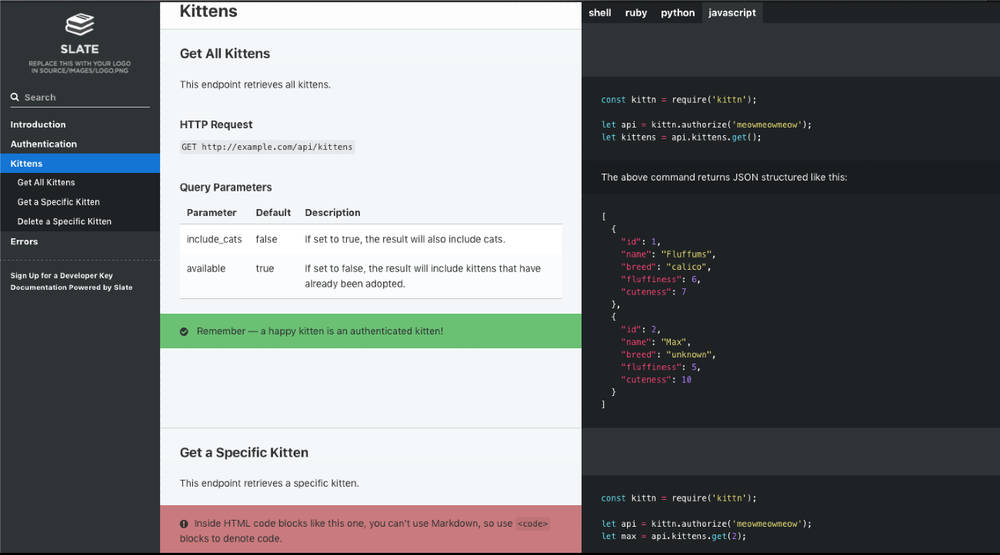
Screenshot of the official MEXC API documentation listing REST endpoints and request examples.
WebSocket Streams and Limits
Unlike REST, which you call when you need data, WebSockets push information to you as it happens. Think of it as a live news feed for trades, prices, and your account activity.
WebSocket streams transmit depth updates, trade ticks, mini-ticker aggregates, and user events. They are more efficient than REST polling for real-time data.
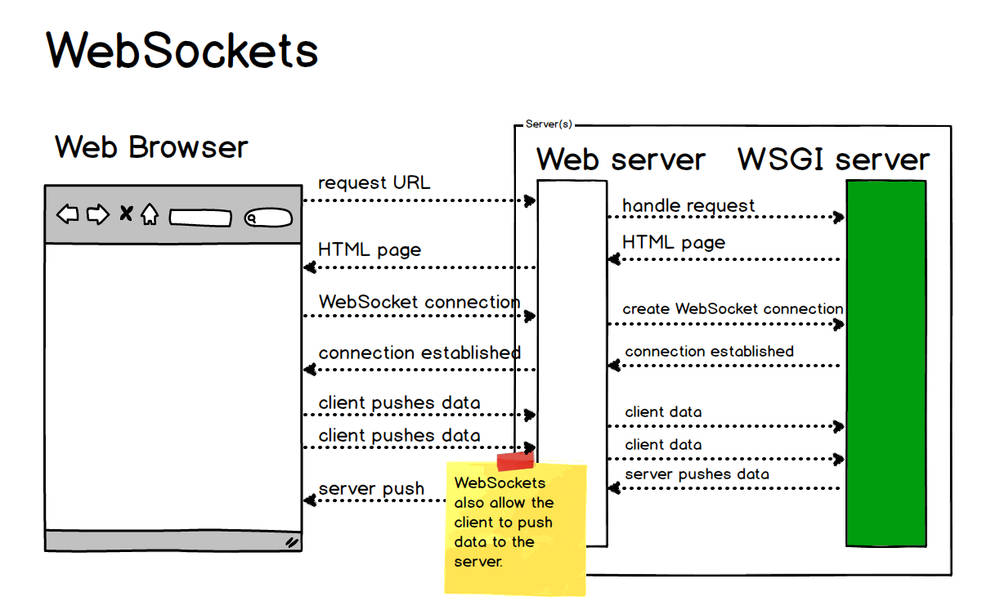
Diagram illustrating the difference between traditional HTTP polling and WebSocket push data streams.
MEXC enforces explicit limits (per-second messages, subscription caps). If you exceed them, the server may disconnect you or even ban your IP.
Also account for compression and incremental updates: WebSocket messages may arrive zipped or as diffs, requiring decompression and delta application to maintain accurate order books.
Error Handling, Rate Limits, and Best Practices
Even well-written code will run into errors. Servers may be overloaded, connections may drop, and you will hit limits if you send too many requests. Handling these gracefully is what makes the difference between a hobby script and a reliable trading bot.
- Always read HTTP status codes. Respect 429 (too many requests) with exponential backoff.
- Never resubmit the same signed order unless certain of its status.
- Cache locally to reduce duplicate calls.
- Log requests/responses (but never secrets).
- Monitor MEXC changelogs to adapt to endpoint changes or maintenance.
SDKs, Libraries, and Community Tools
MEXC provides SDKs in Python, Java, Go, .NET, Node.js, and Postman collections. SDKs skip low-level signing code and help you build faster.
There are also community-built wrappers on GitHub. Use official SDKs when possible; if using third-party libraries, check their maintenance and compliance with docs.
GitHub repository page of the official MEXC API SDK, showing contributors and licensing details.
Real-Life Applications and Examples
The MEXC API is not just theory. Here are some concrete ways traders and developers actually use it — from saving market data for research to running bots and dashboards in real time.
- Market data ingestion – Stream WebSocket trades, backfill with REST, and store for strategy analysis.
- Trading bot – Place orders with REST, confirm fills via WebSocket, and manage reconnect logic.
- Portfolio manager/dashboard – Poll account endpoints and subscribe to WebSocket tickers for real-time balance and PnL updates.
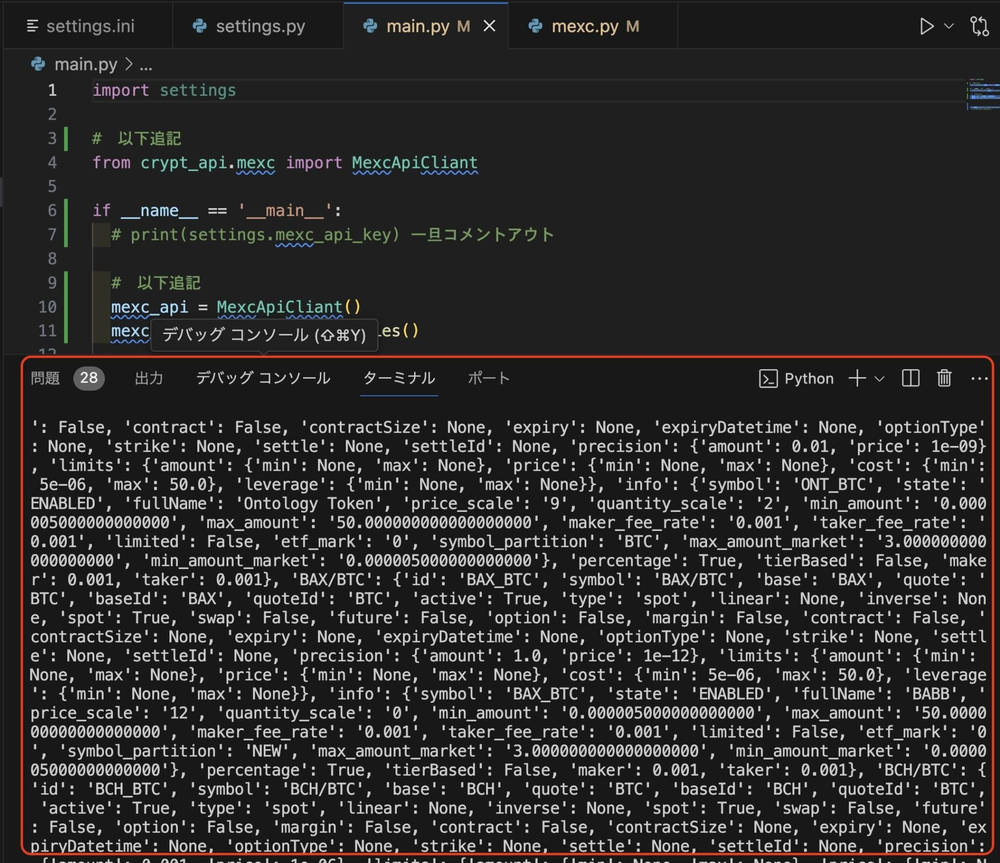
Example of Python code using MEXC API (import and instantiation) from a Japanese tutorial on automated trading.
If you're also building tools for staking dashboards, check out our guide to the Best Crypto Staking Platforms.
Conclusion
MEXC API is a comprehensive set of REST and WebSocket APIs enabling market data retrieval and fully automated trading systems.
Start small: pull public data, place test orders, and implement proper error handling. With best practices and official SDKs, MEXC API can reliably power dashboards, bots, and portfolio tools.
FAQ
Q: Where are the MEXC API official docs?
A: On MEXC's official website, with REST and WebSocket specifications, examples, and changelogs.
Q: How do you generate and secure an API key?
A: Generate keys in your account console, store them in environment variables or a secret manager, rotate periodically, and restrict permissions or IPs.
Q: What are common rate limits?
A: REST endpoints have weights; WebSocket limits include subscription caps and push frequency. Exceeding them may cause disconnects. Rate limits exist to keep the system stable for everyone. Imagine thousands of bots all asking the server for data every millisecond — without limits, the exchange would go down.
Q: Does MEXC provide official SDKs?
A: Yes. SDKs and demo code are available in multiple languages, including Postman. Community wrappers also exist, but check their quality before production use.
Q: How do I keep integrations up to date?
A: Review changelogs regularly for endpoint deprecations, new parameters, and protocol updates.